Cybilus Commander
Cybilus Commander is a classic two-panel file manager for Windows. It was developed to manage files, folders, source code and everyday file tasks quickly, clearly and with control.
What is Cybilus Commander?
Cybilus Commander is a custom file manager in the style of classic Commander programs. Instead of working with only a single window, it shows two file areas side by side. This makes it especially fast to copy files and folders between two locations, move, check, open, rename or edit them.
The interface is deliberately direct and functional: paths at the top, file lists below, function keys at the bottom. Many work steps can be controlled with F-keys, Enter, arrow keys, Tab and keyboard shortcuts.
What can it be used for?
Copy, move, delete, rename and open files and folders.
Source and target are visible at the same time. This reduces searching and click paths.
Text, web and source code files can be viewed and edited directly in Commander.
Critical actions such as deleting or starting programs are deliberately confirmed.
File types can be distinguished by color, for example source code, text files or backups.
Language, colors, font size, display and program information are directly available.
Technical foundation
Cybilus Commander was developed as a Windows desktop application in C++. The focus is on a fast, compact and easy-to-control interface. Operation is inspired by classic file managers with function keys, but has been expanded step by step with its own features such as viewer, editor, settings, info window, safety features and backup behavior.
The application works locally on the Windows file system. Files are not transferred to a cloud Actions such as copy, move, delete, rename or edit are performed directly on the Rechner des Benutzers.
Cybilus Commander Screenshots
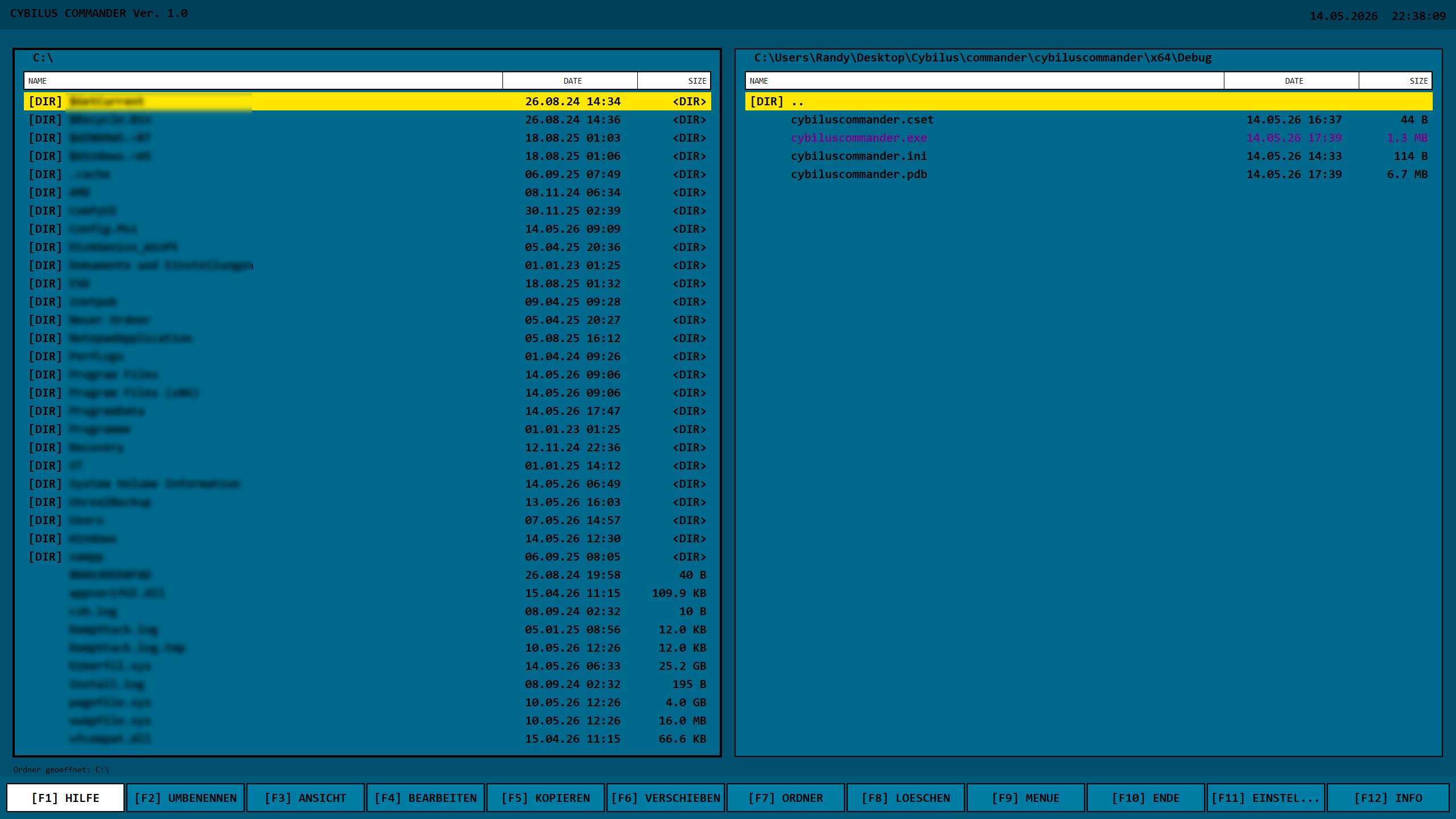
Two file windows, path bars, file lists and function bar in the classic Commander layout.
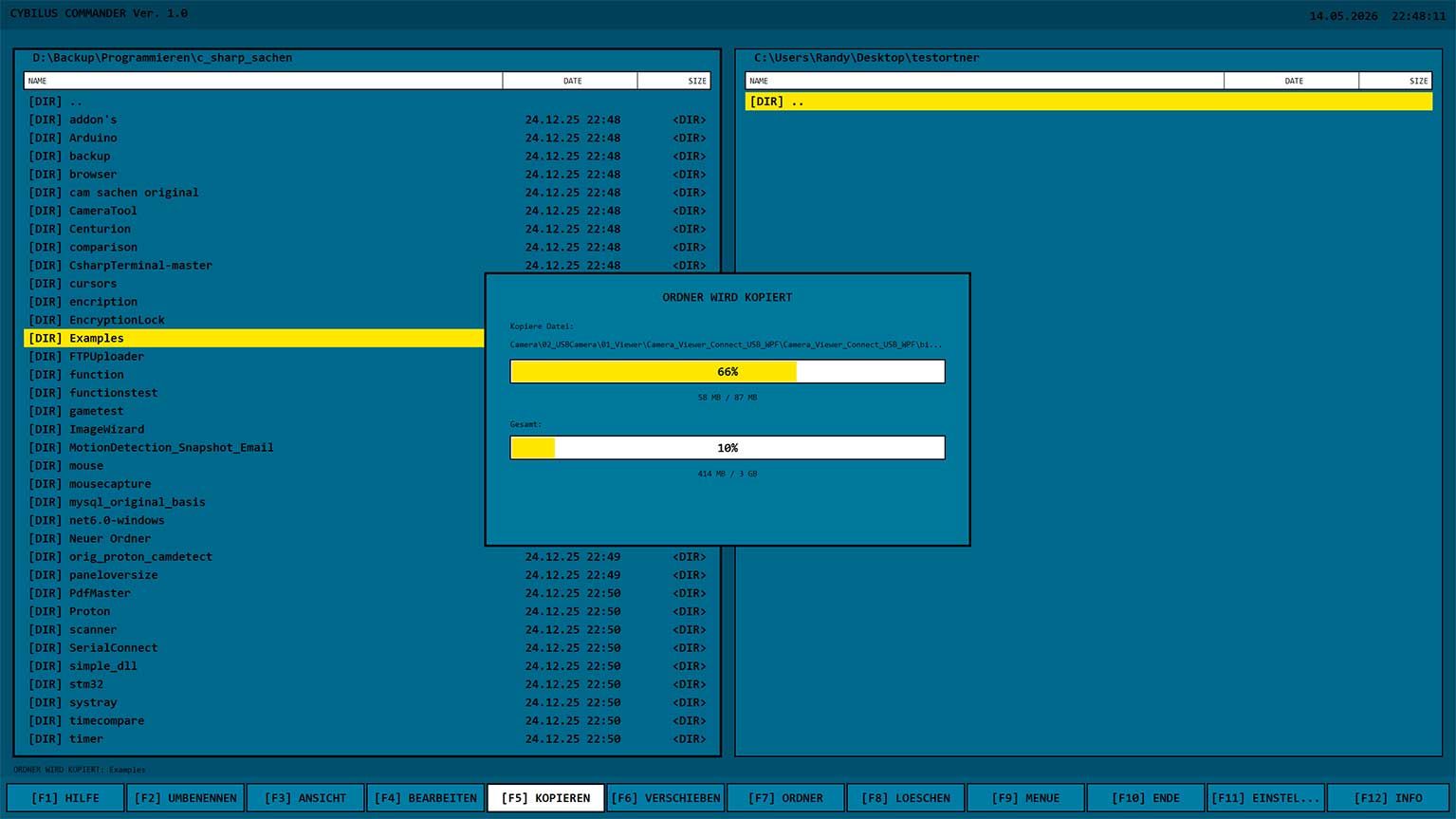
Copy files and folders between the two panels, including target display and progress.
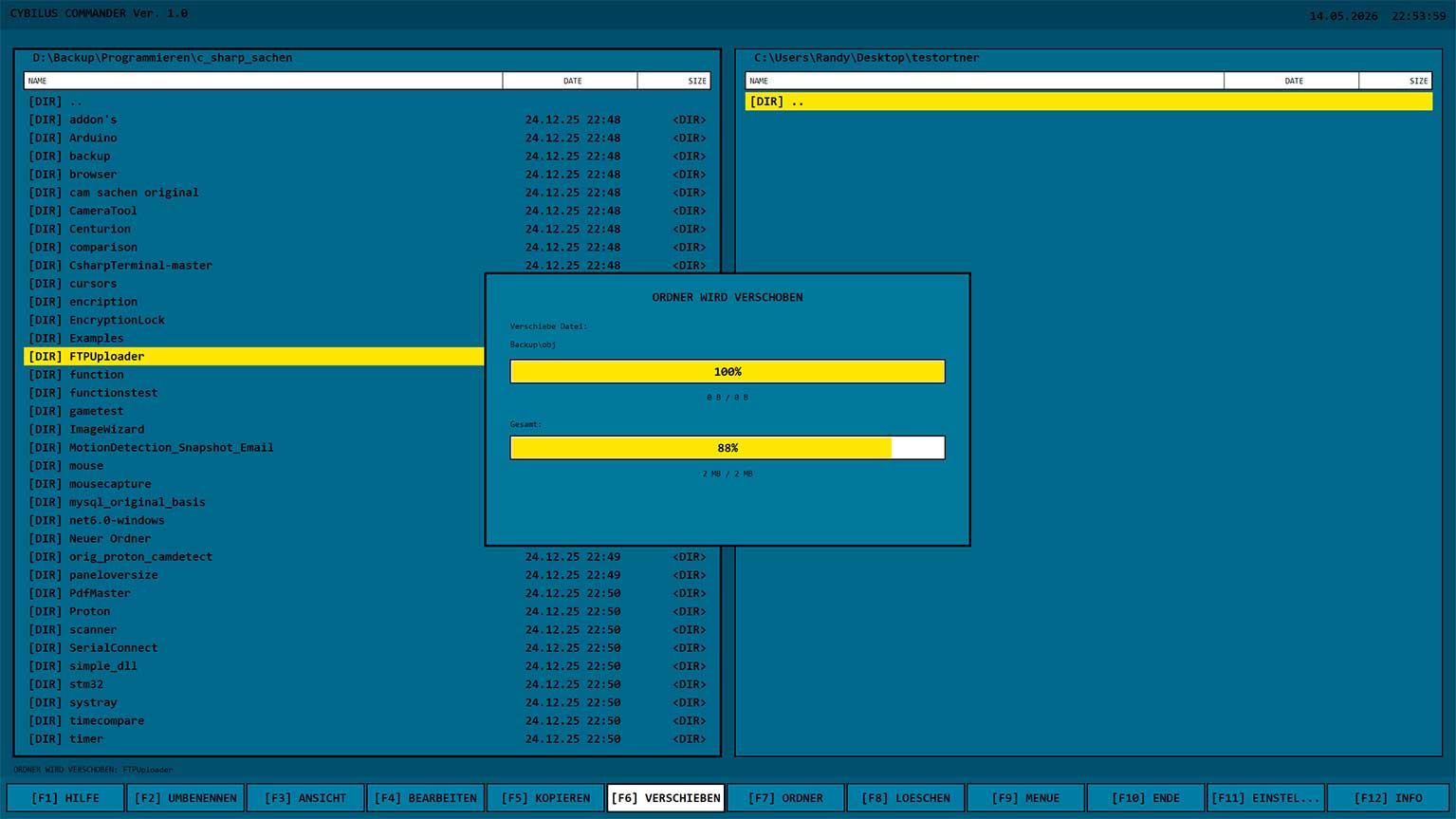
Move folder structures and files from source to target in a controlled way.
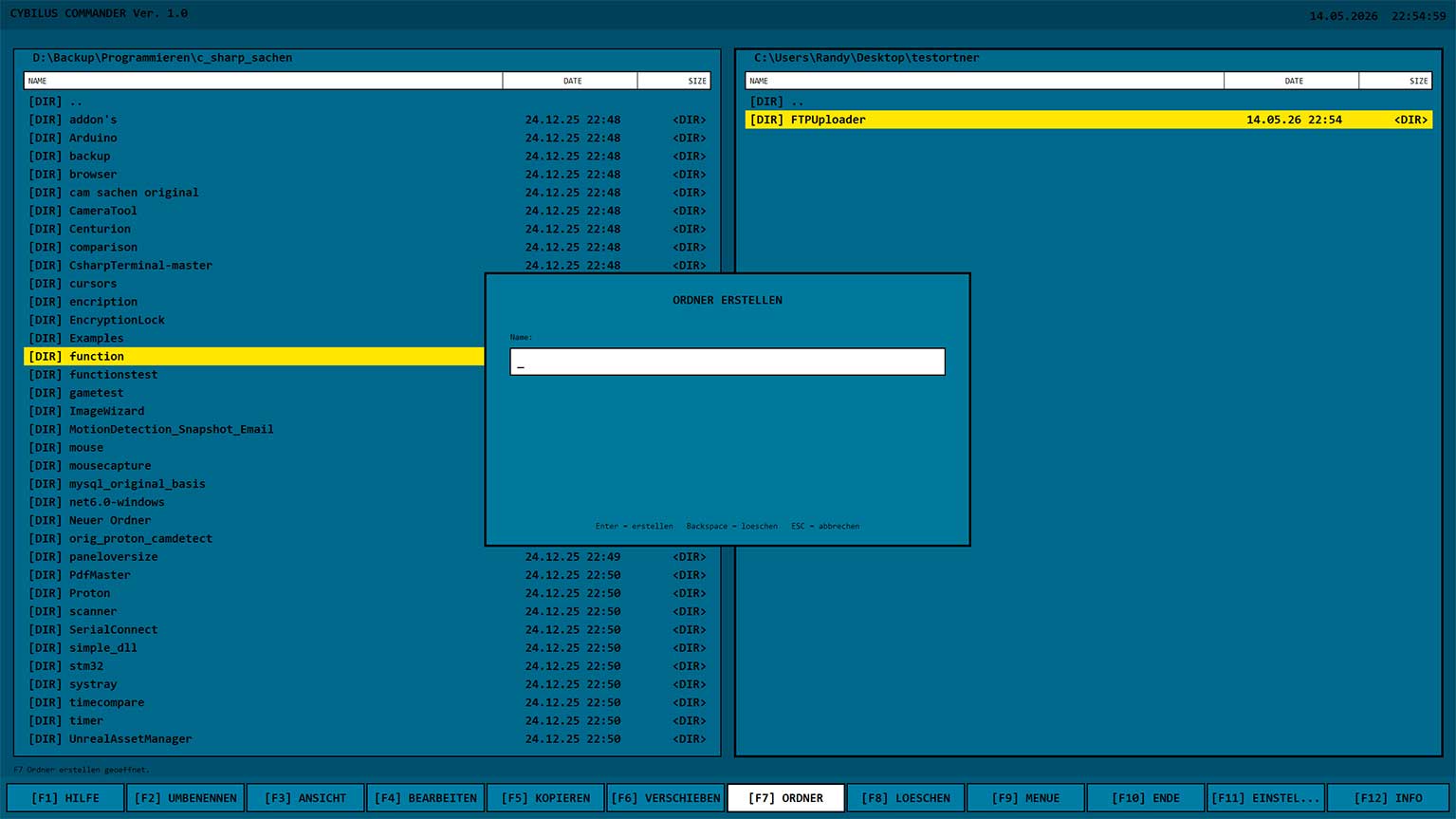
Create new folders directly in the active panel without leaving the workflow.
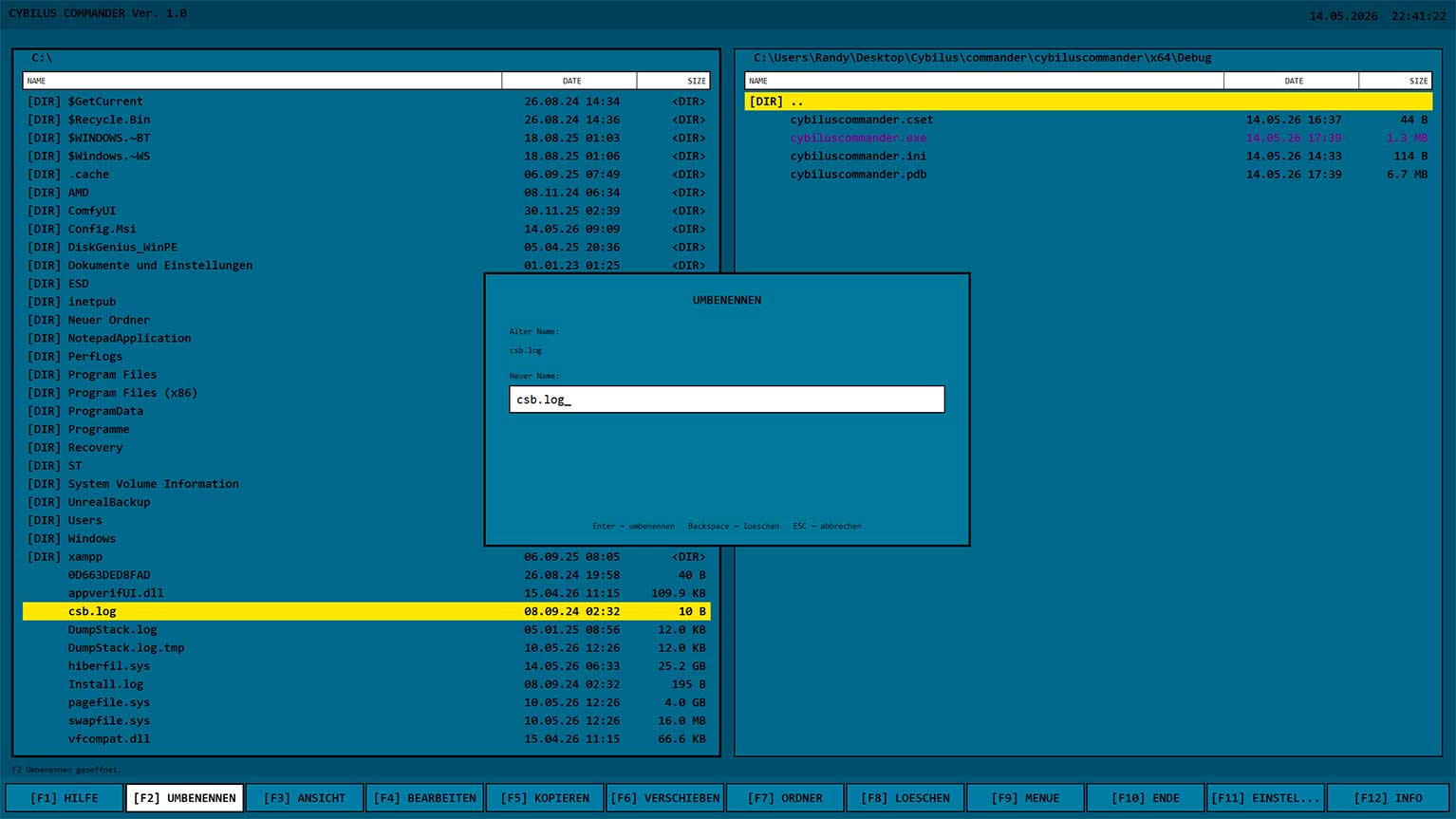
Rename files or folders directly in Commander.
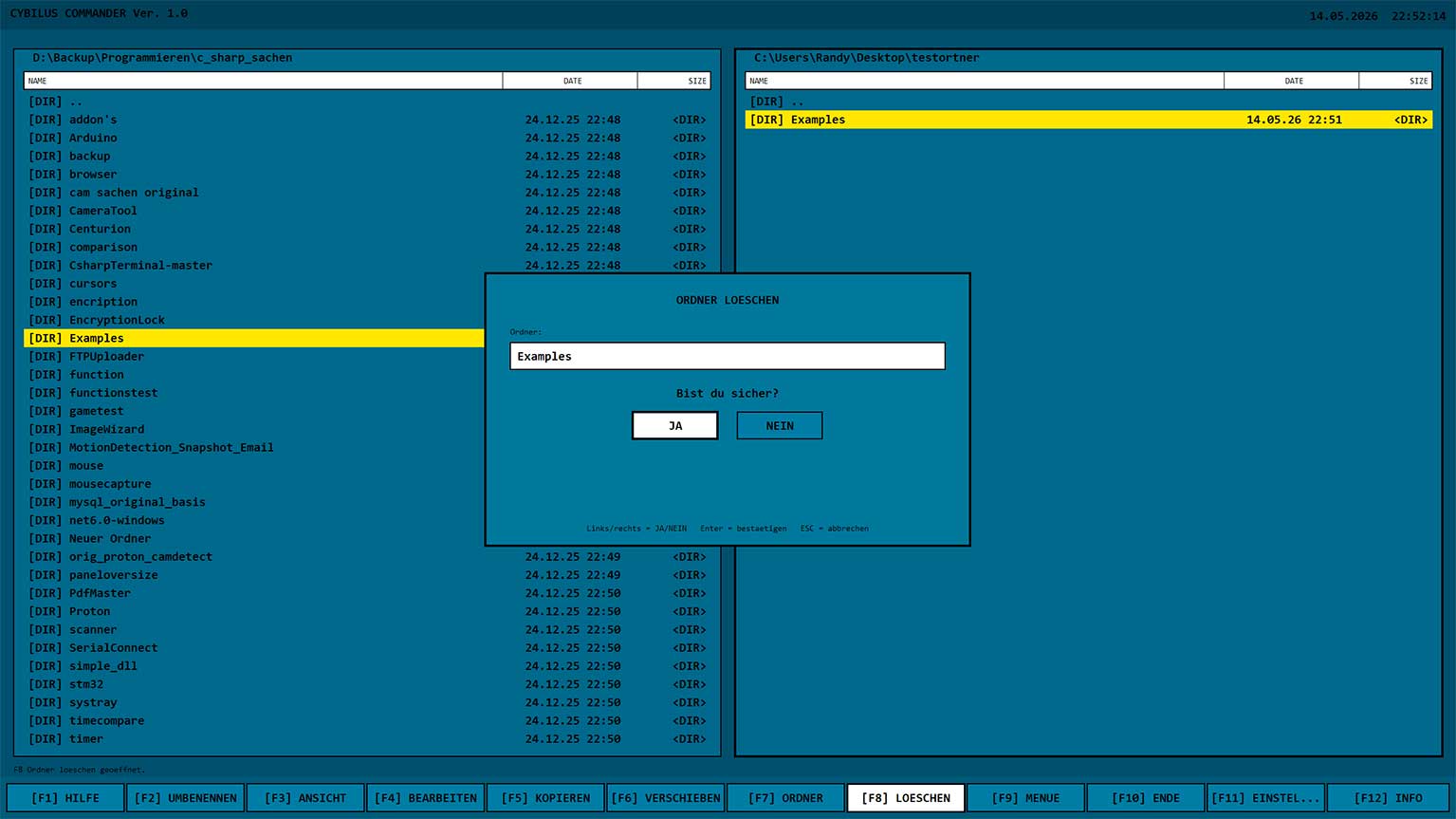
Delete operations are deliberately confirmed so critical actions are not triggered accidentally.
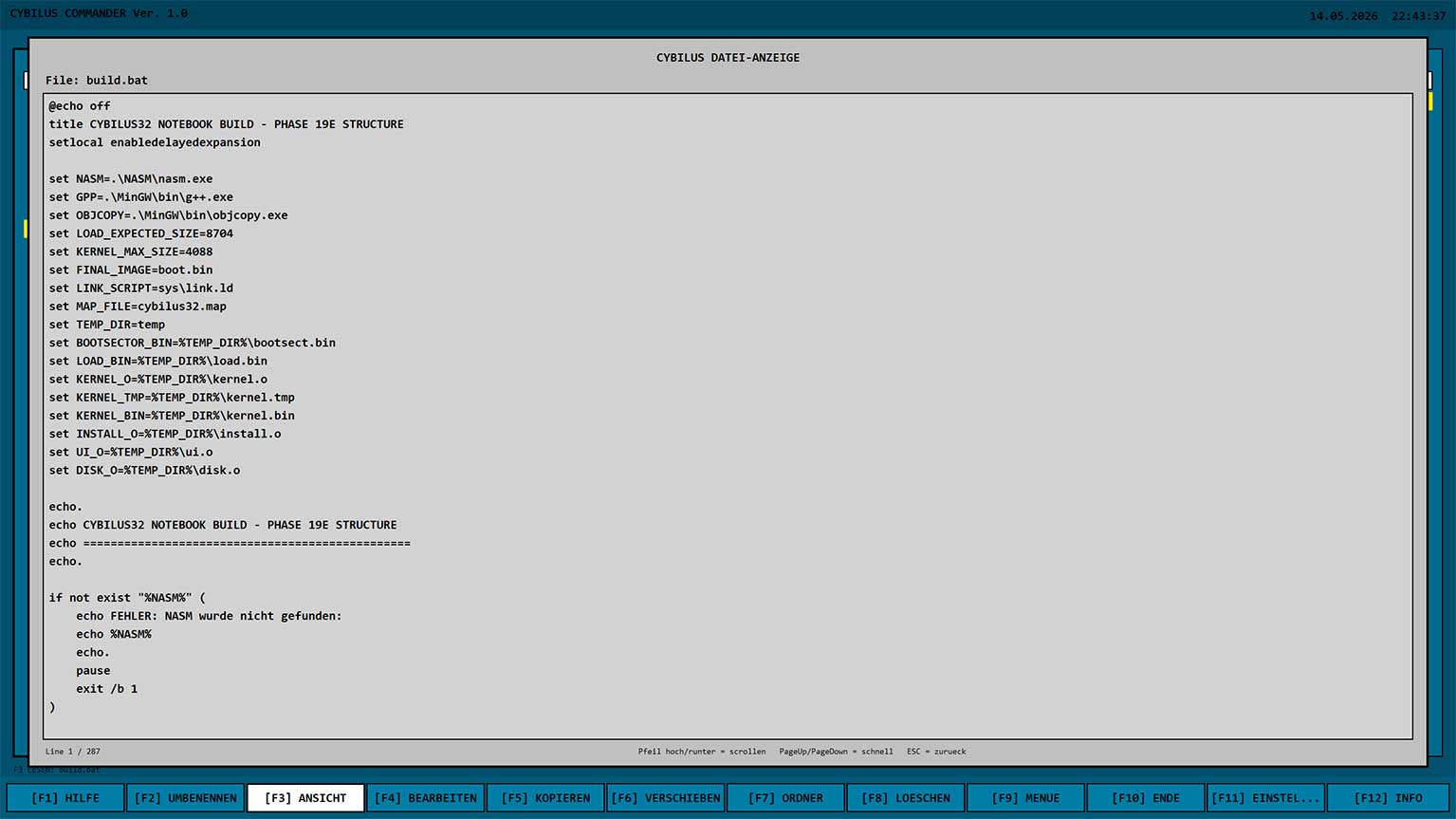
Text and source files can be read quickly in the internal viewer.
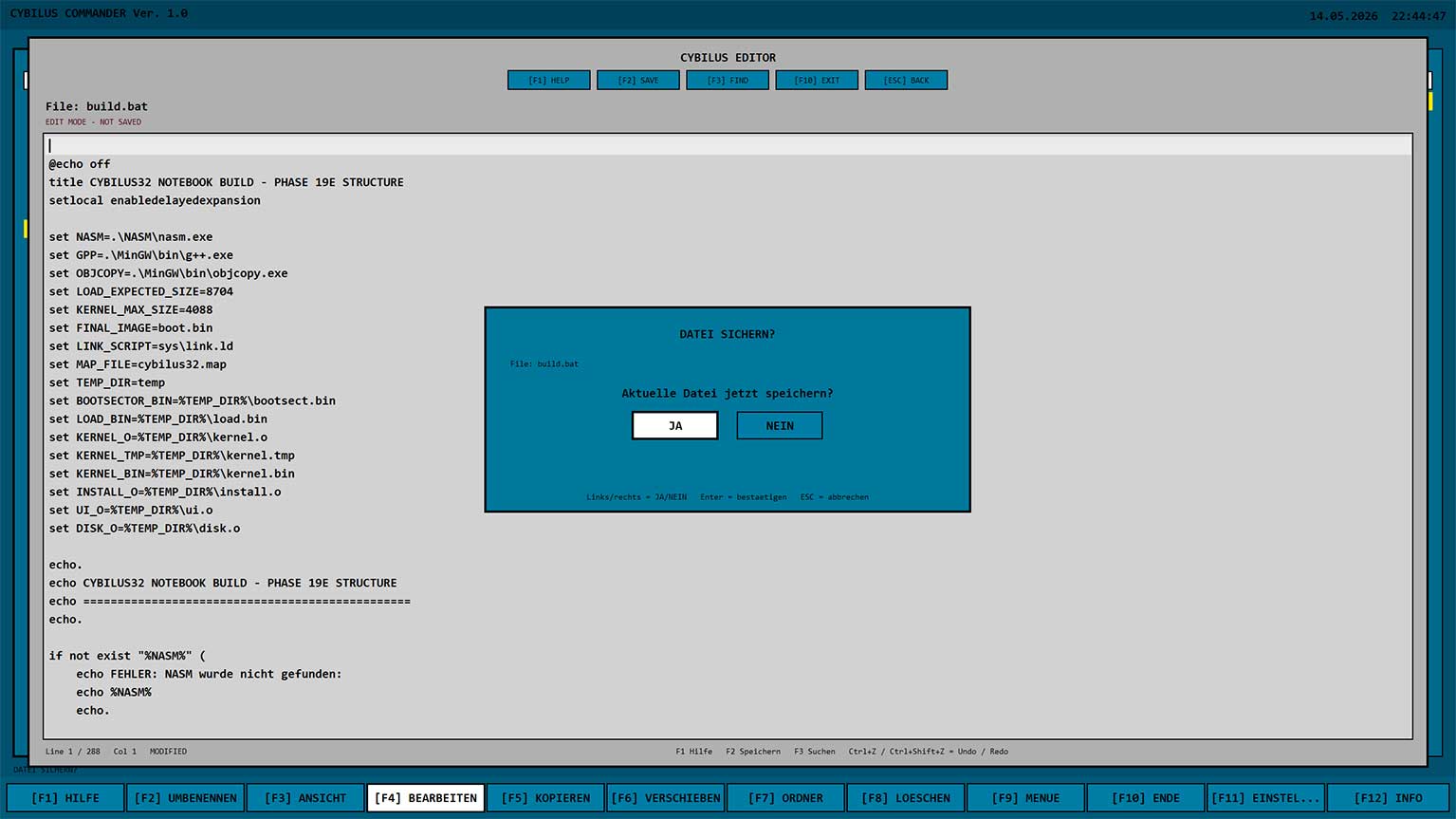
Edit and save text and source code files directly in Commander.
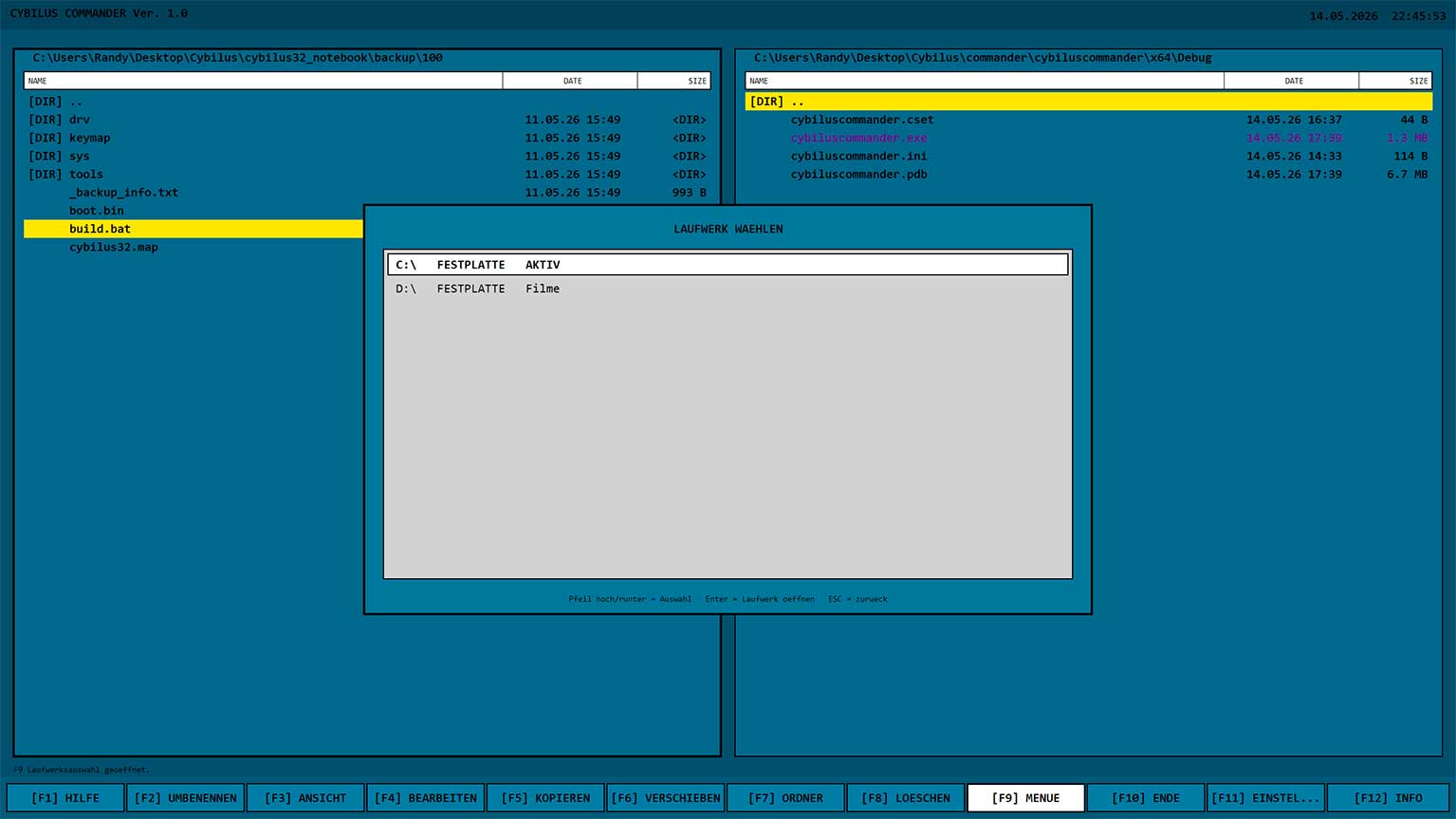
Additional features are available through a compact menu window.
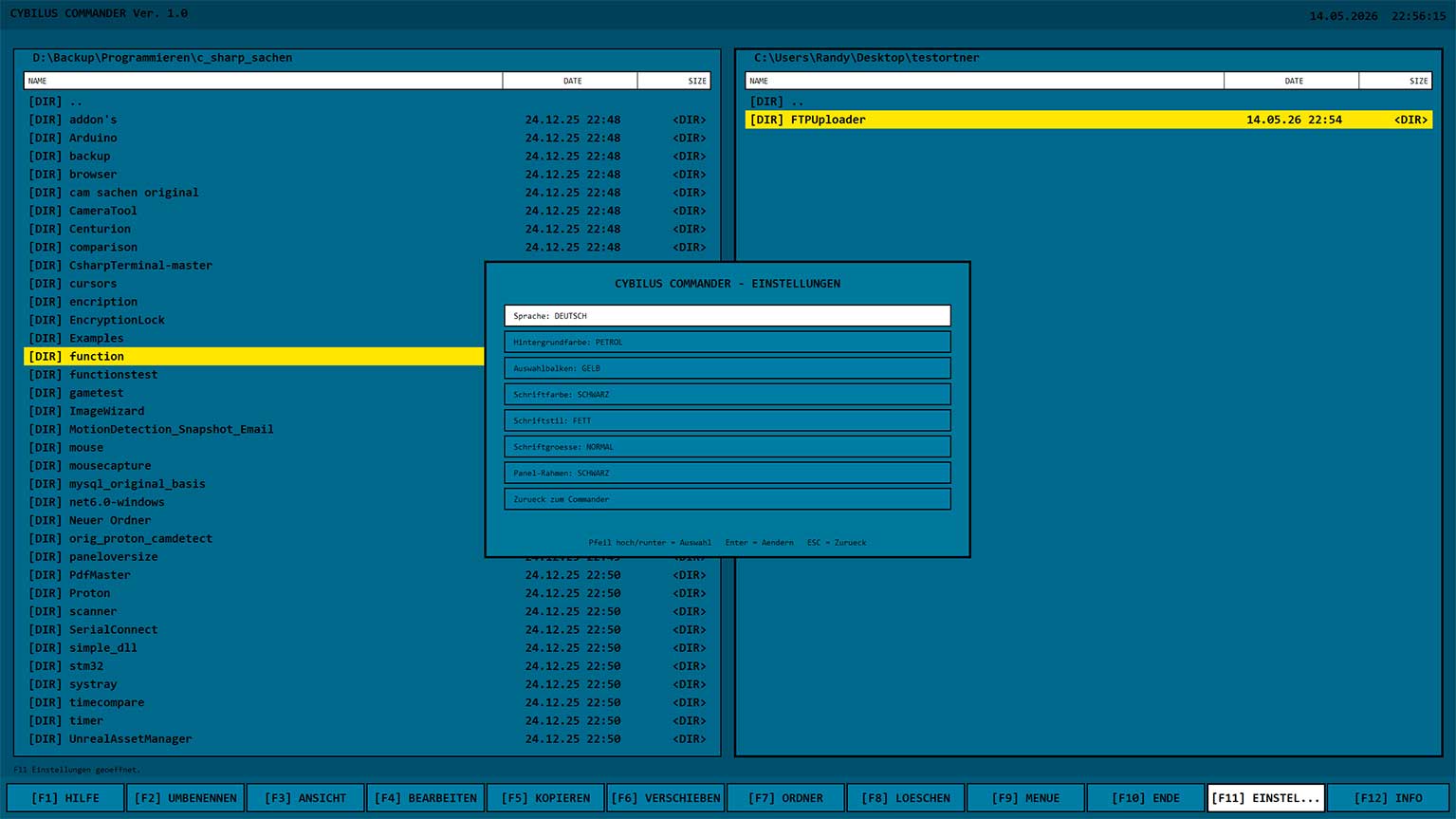
Language, colors, font size and display can be adjusted and saved.
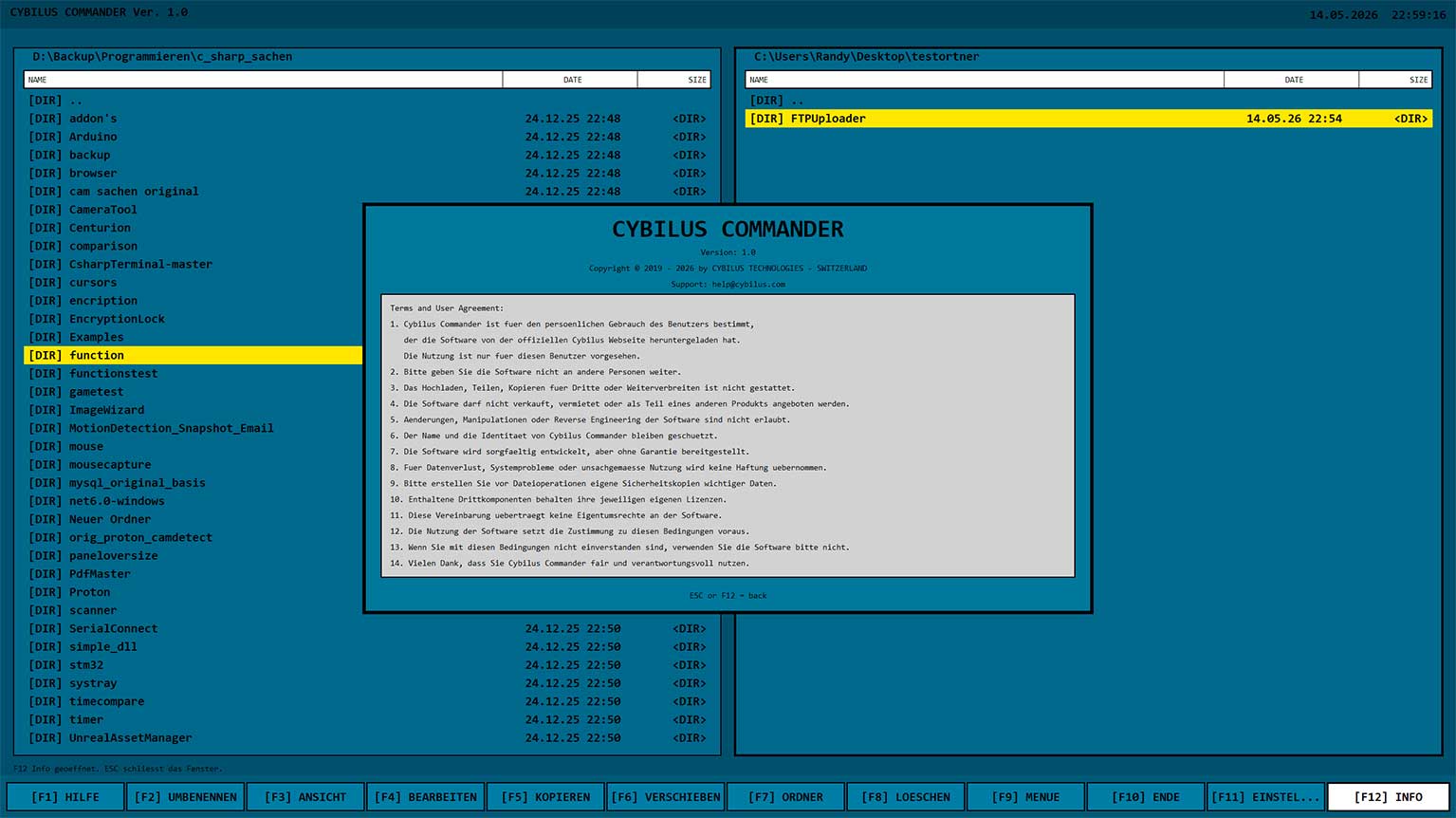
The info window shows program status, safety features and technical notes.