CybScan
CybScan is a simple Windows scanning program for quick document scans. The program combines scanner selection, preview, output format, target folder and file name in a clear interface.
What is CybScan?
CybScan was developed as a compact scanning tool for Windows. It recognizes the selected WIA scanner, saves the most important settings and creates files in the desired format. This makes the program especially practical for simple documents, letters, receipts and quick Einzel-Scans.
Operation remains deliberately clear: select scanner, set resolution and color mode, enter target folder and file name, check the preview and save the scan.
What can it be used for?
Search for available scanners, select them and save them permanently in the settings.
Before saving, a preview image can be created and displayed directly in the program.
Scans can be saved as JPG, BMP or PDF.
DPI, color mode and page size are selected and remembered for the next start.
Existing files are not overwritten; CybScan automatically creates sequential names.
Multiple scanned pages can be prepared and combined into a PDF.
Technical foundation
CybScan is a Windows desktop application and uses the Windows Image Acquisition interface for scanner access. Settings such as scanner, target folder, file name, output format, DPI, color mode and paper size are stored under AppData.
The current version supports JPG, BMP and PDF, automatic file names with timestamp or numbering, as well as clear scanner configuration through the settings window.
CybScan Screenshots
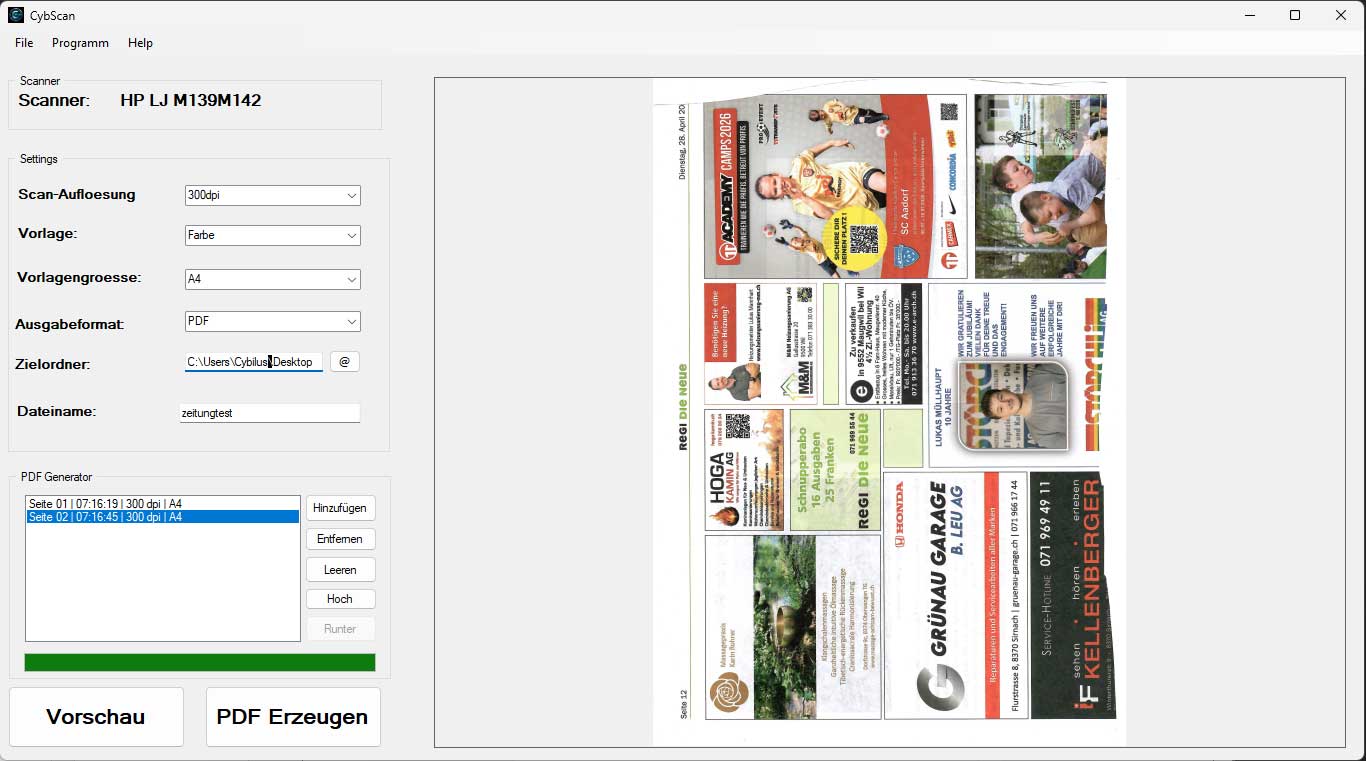
Direct scanning to JPG, BMP or PDF with saved settings for DPI, color, paper size, target folder and file name.
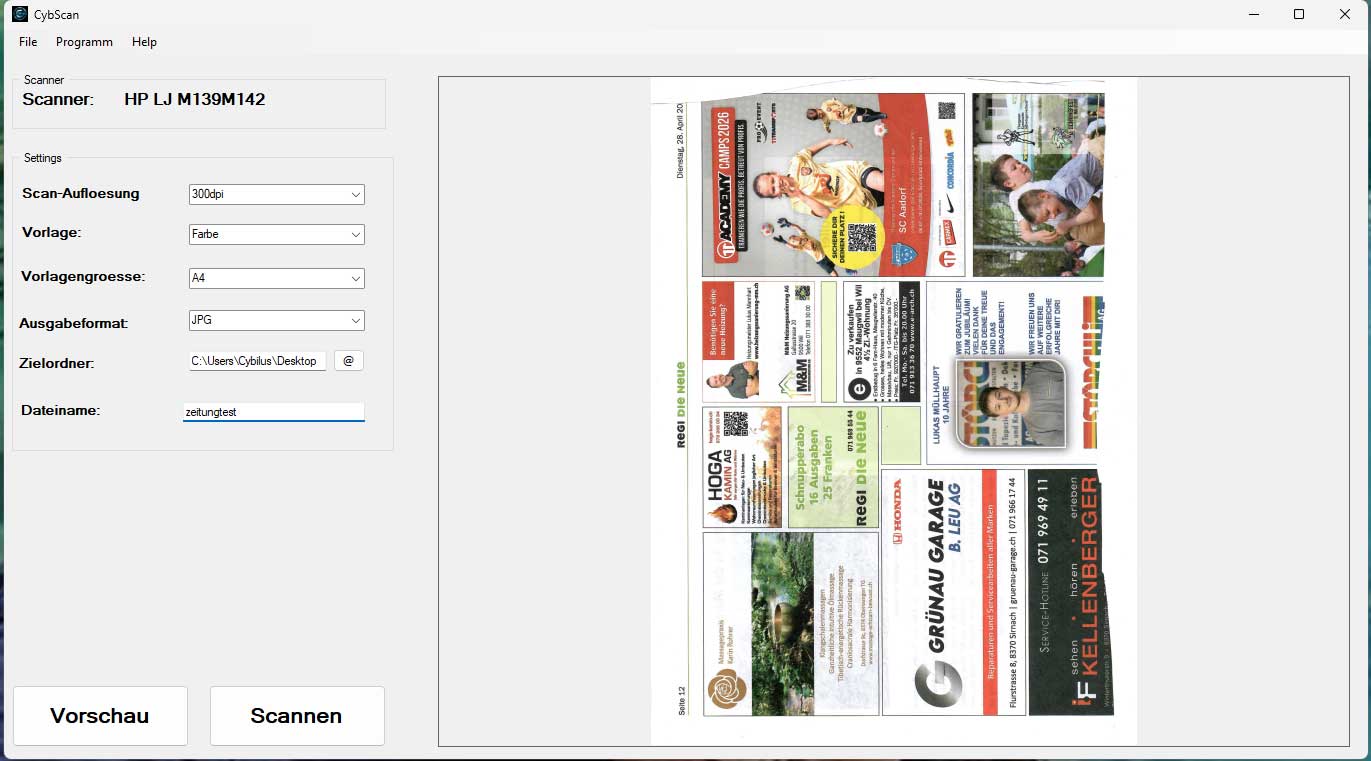
A preview can be created before saving. CybScan then saves the scan in the selected output format.
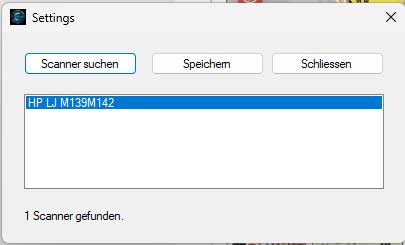
Available scanners can be searched, selected and saved for future starts.