C Ftp
C Ftp is a classic two-panel FTP client for Windows. On the left you work with the local file system, on the right with the remote FTP server. The program was developed for fast, clear and controlled file transfers.
What is C Ftp?
C Ftp combines the workflow of classic Commander programs with an FTP client. The left panel shows local files and folders on the Windows computer. After connecting, the right panel shows folders and files on the FTP server. Source, target and status therefore remain gleichzeitig sichtbar.
Operation is deliberately direct: path bars at the top, file lists in the middle, function keys below and an FTP log for server responses in the lower area. Many features can be executed using F-keys, Enter, Backspace, arrow keys, mouse and dialog buttons.
What can it be used for?
Create, save and load profiles and establish a connection to an FTP server.
The local file system and remote server are visible at the same time and can be operated directly.
Upload or download files between the local computer and the FTP server.
Quickly view or directly edit text, web, log and source code files.
Create folders, delete files, refresh directories and use start folders.
Display Unix permissions, use the CHMOD dialog and check FTP responses in the status log.
Technical foundation
C Ftp was developed as a Windows desktop application in C++. The focus is on a compact, fast and controllable interface for classic FTP work. The connection uses real FTP server responses, directory listings and status messages instead of artificial test entries.
The program supports saved connection profiles, local and remote start folders, safety prompts for critical actions, an integrated viewer, an integrated editor, customizable interface colors and a visible FTP log for diagnostics and control.
C Ftp Screenshots
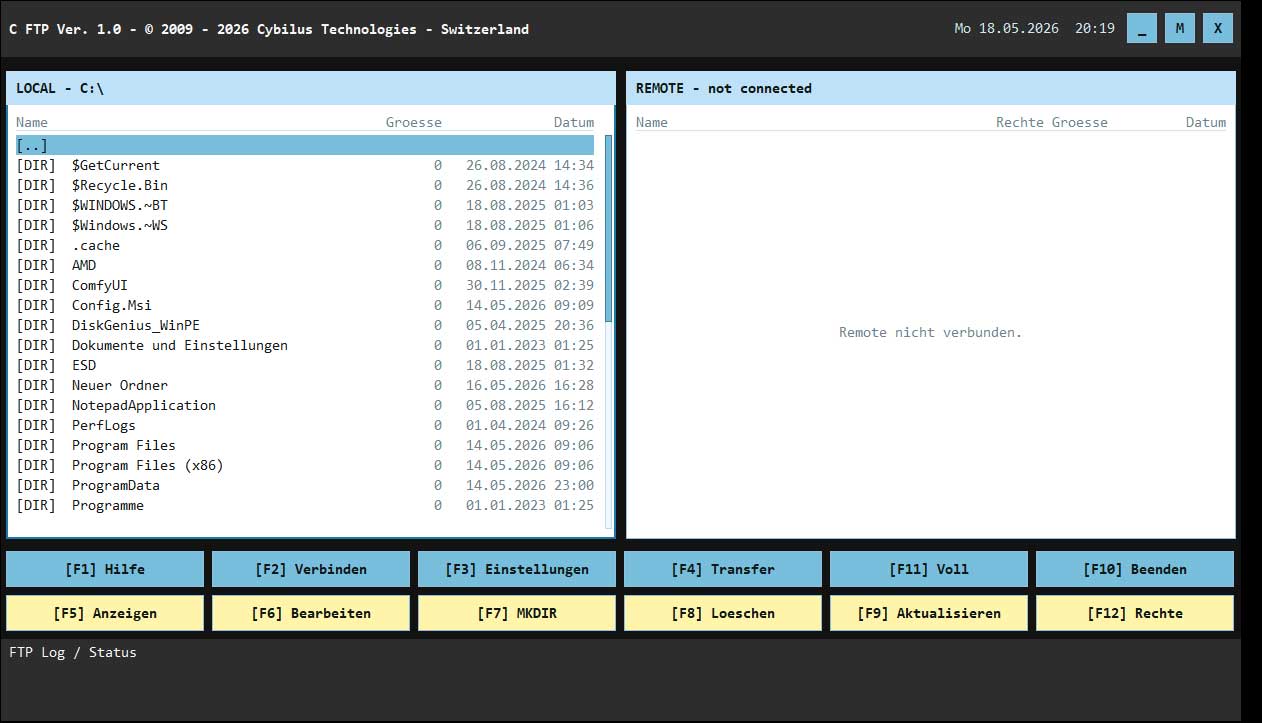
Local file system on the left, remote server on the right, function bars below and status log for FTP responses.
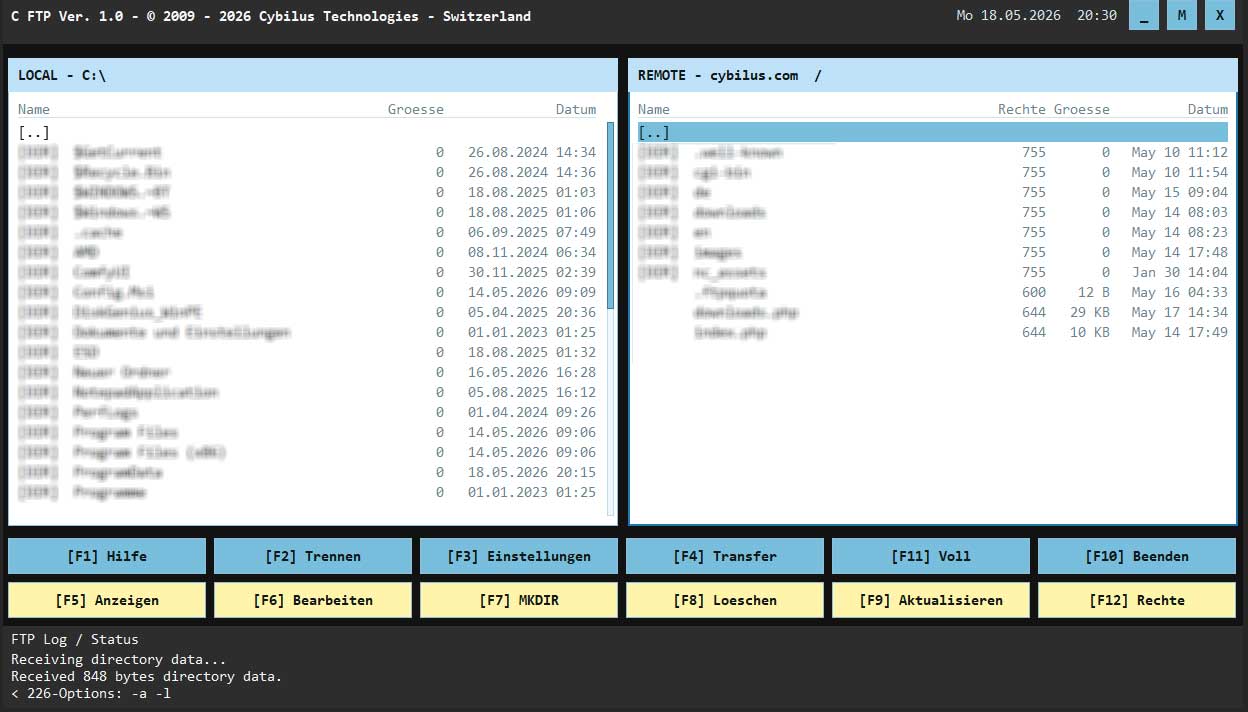
After a successful connection, C Ftp shows the local folder on the left and the remote directory on the right.
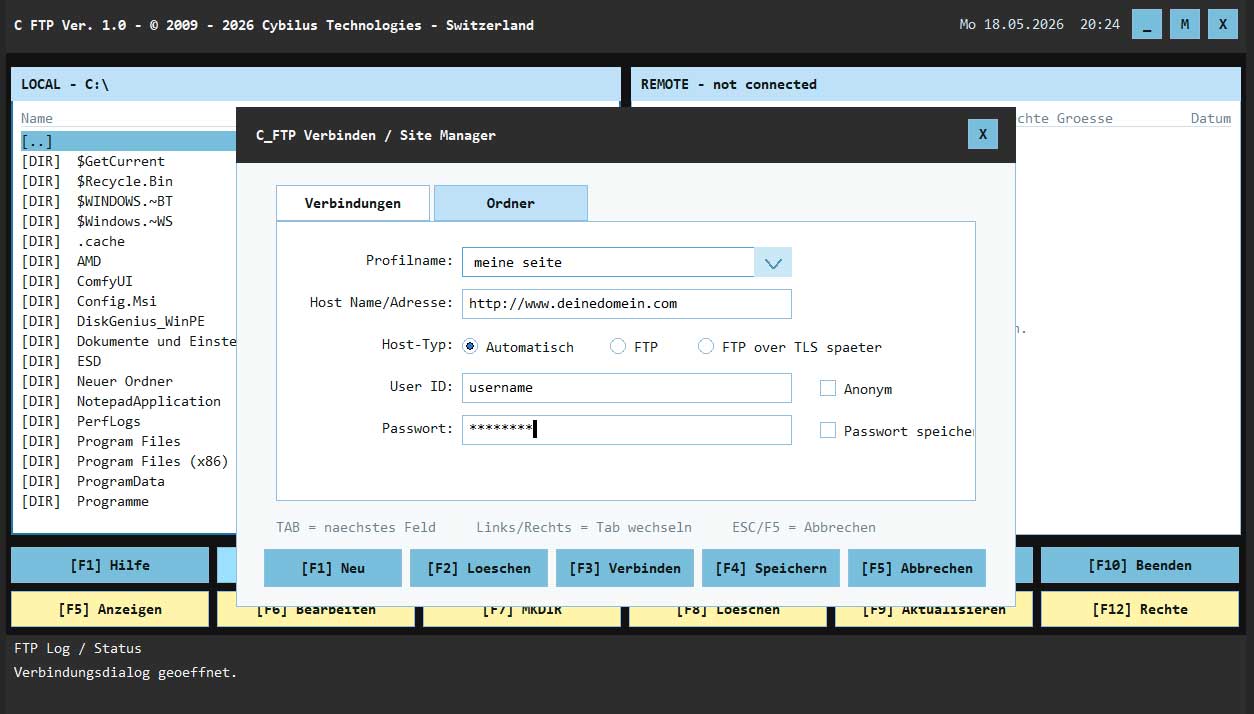
Create, save and connect FTP profiles with host, user, password, host type and folder settings.
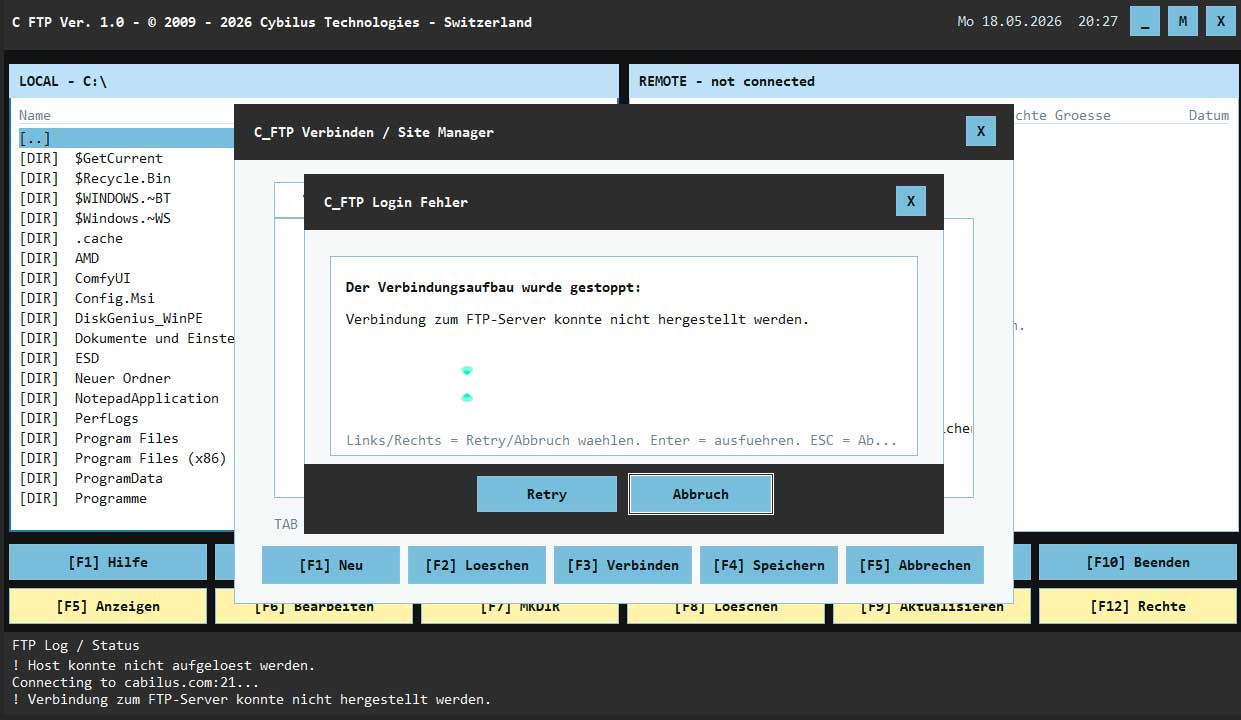
Connection errors are reported clearly and can be handled with retry or cancel.
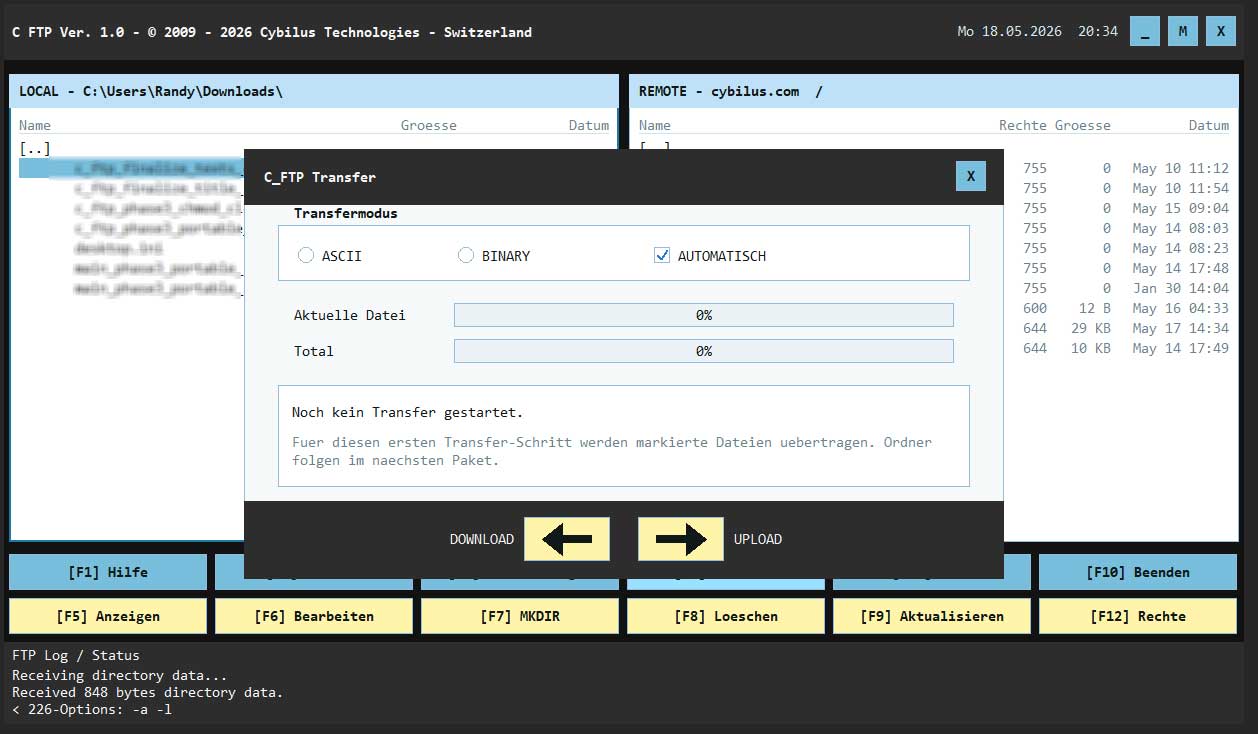
Transfer files between local computer and FTP server, with mode selection and progress display.
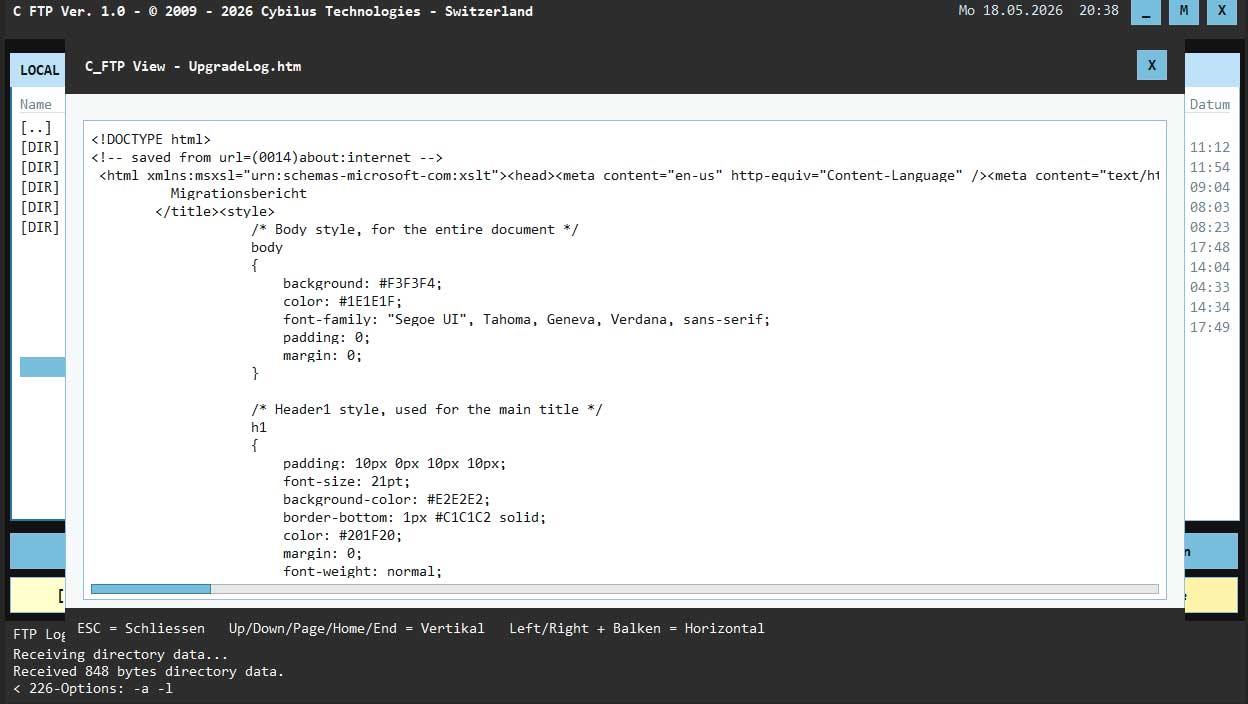
Text, log, web and source code files can be read quickly in the integrated viewer.
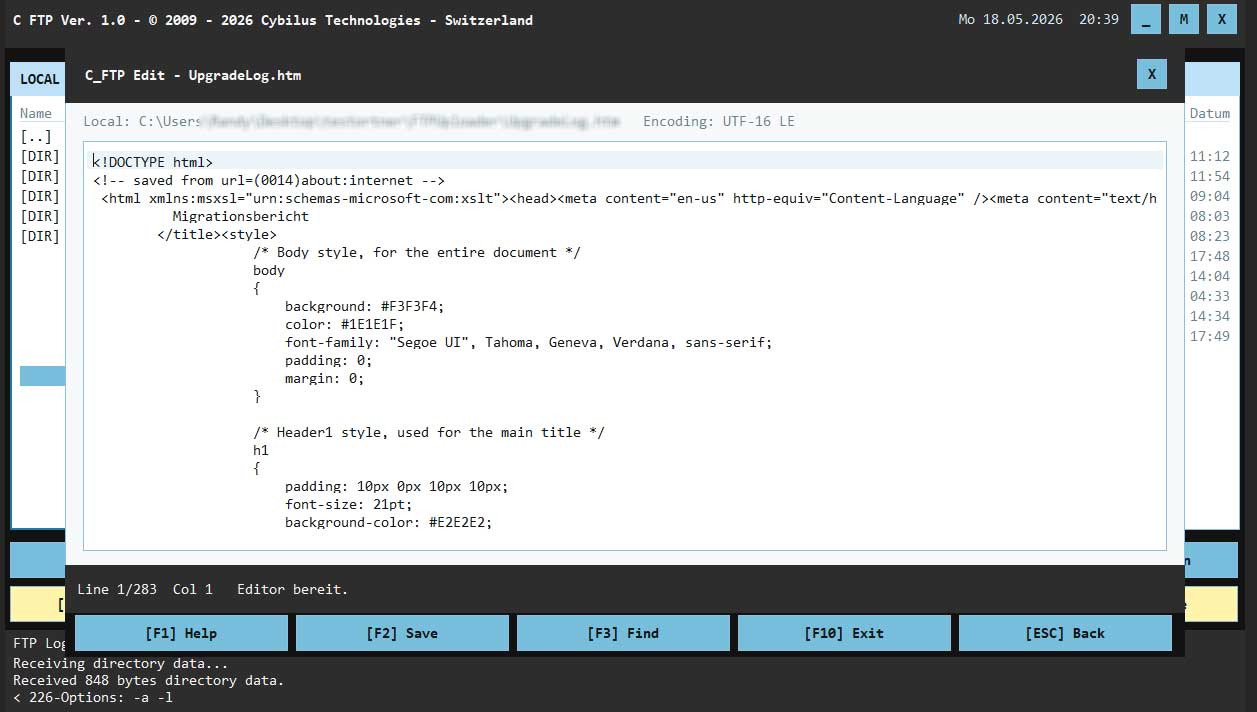
Edit supported text files directly in C Ftp, save them and check them without an external program.
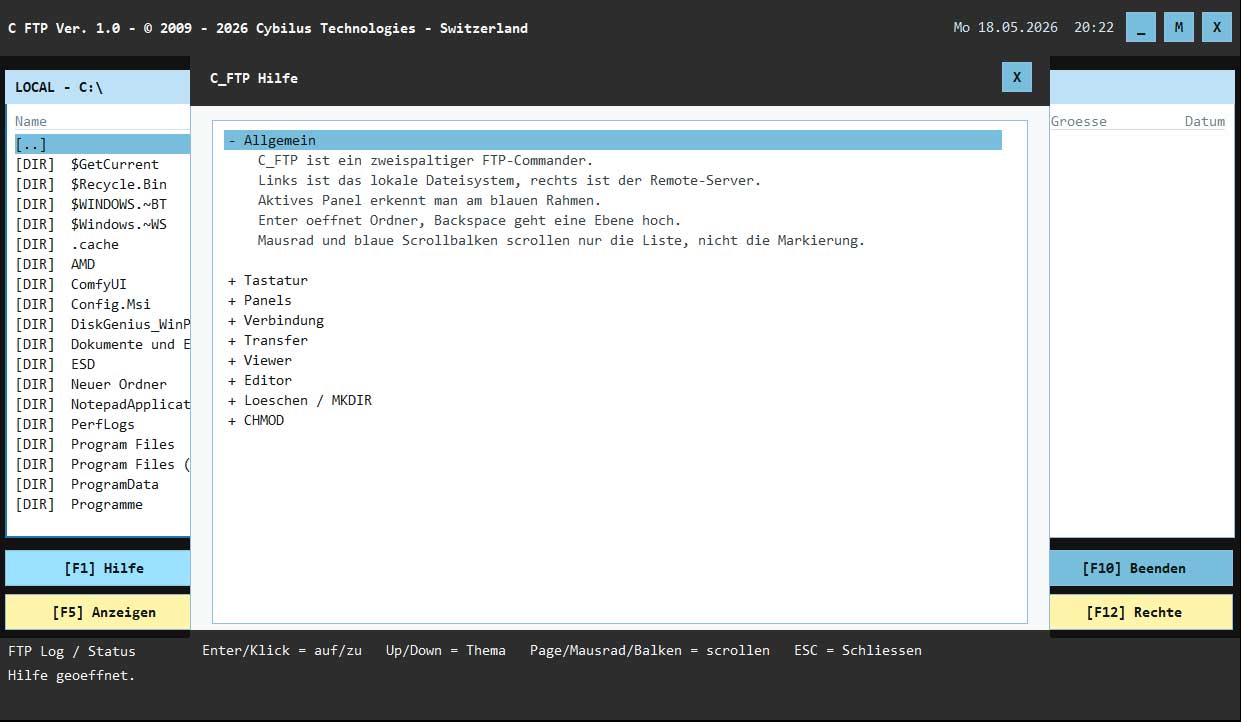
The help explains panels, connection, transfer, viewer, editor, delete, MKDIR and permissions.
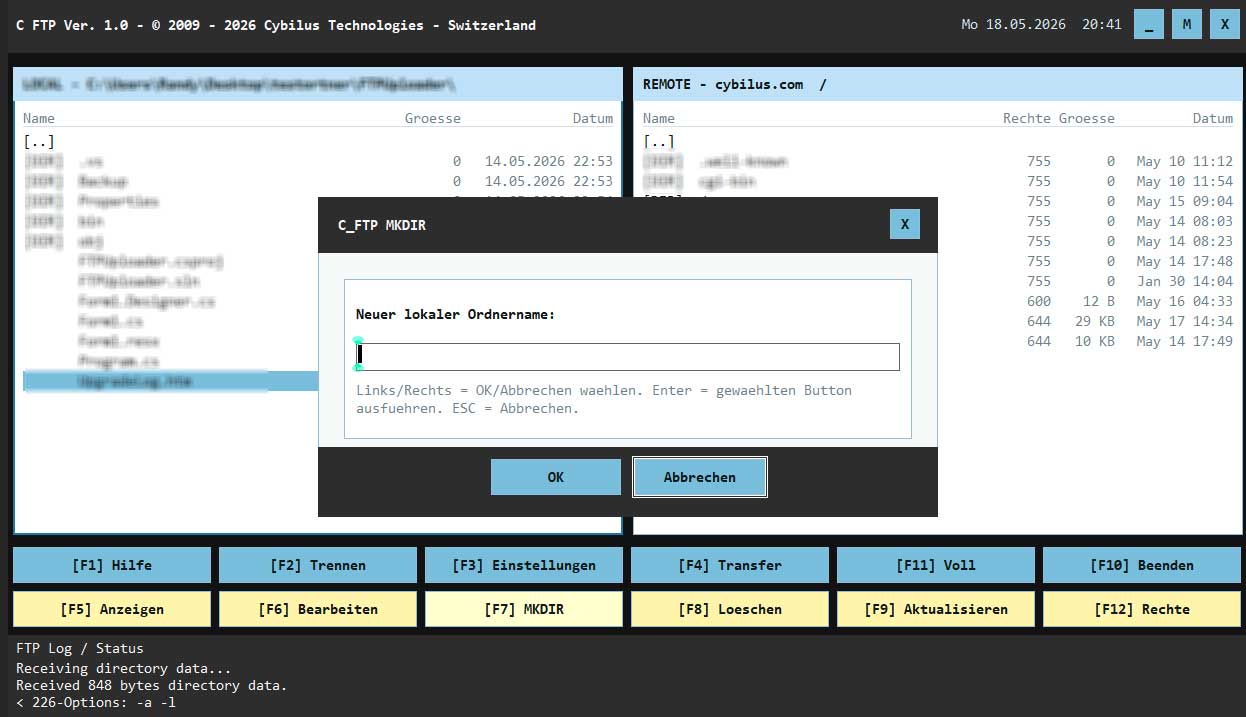
Create new local or remote folders directly from the active panel.
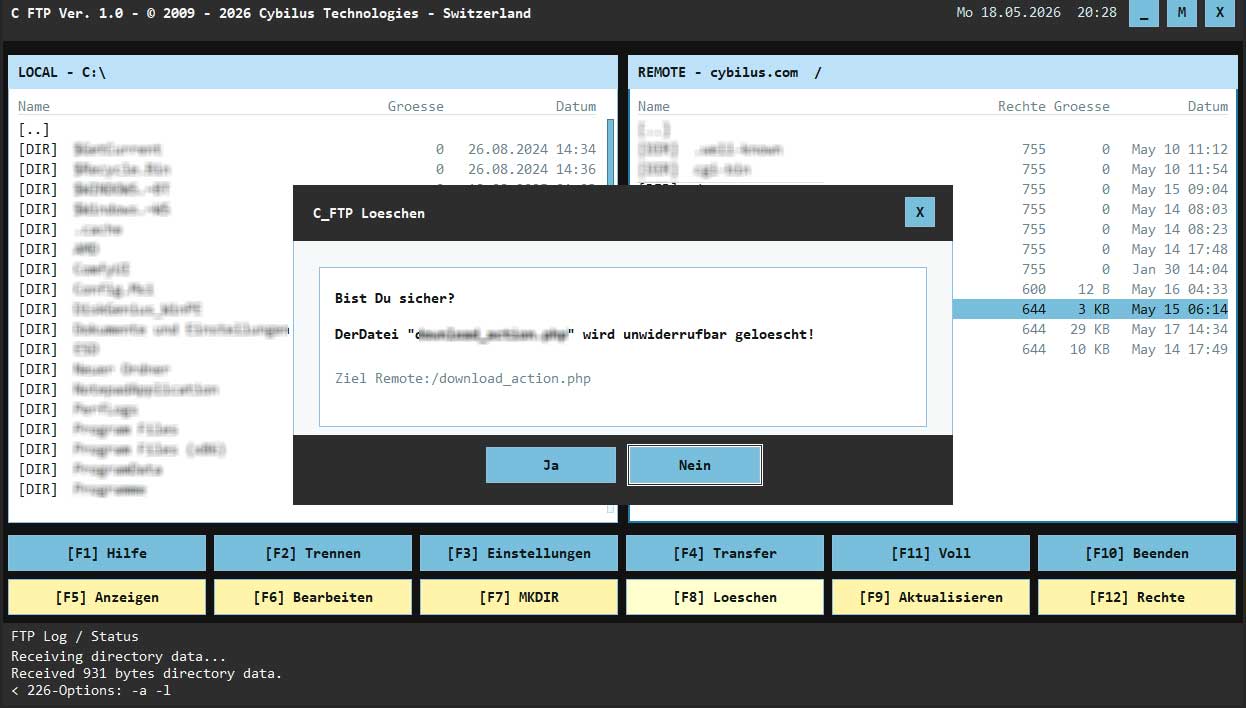
Local and remote files are deleted only after a deliberate safety prompt.
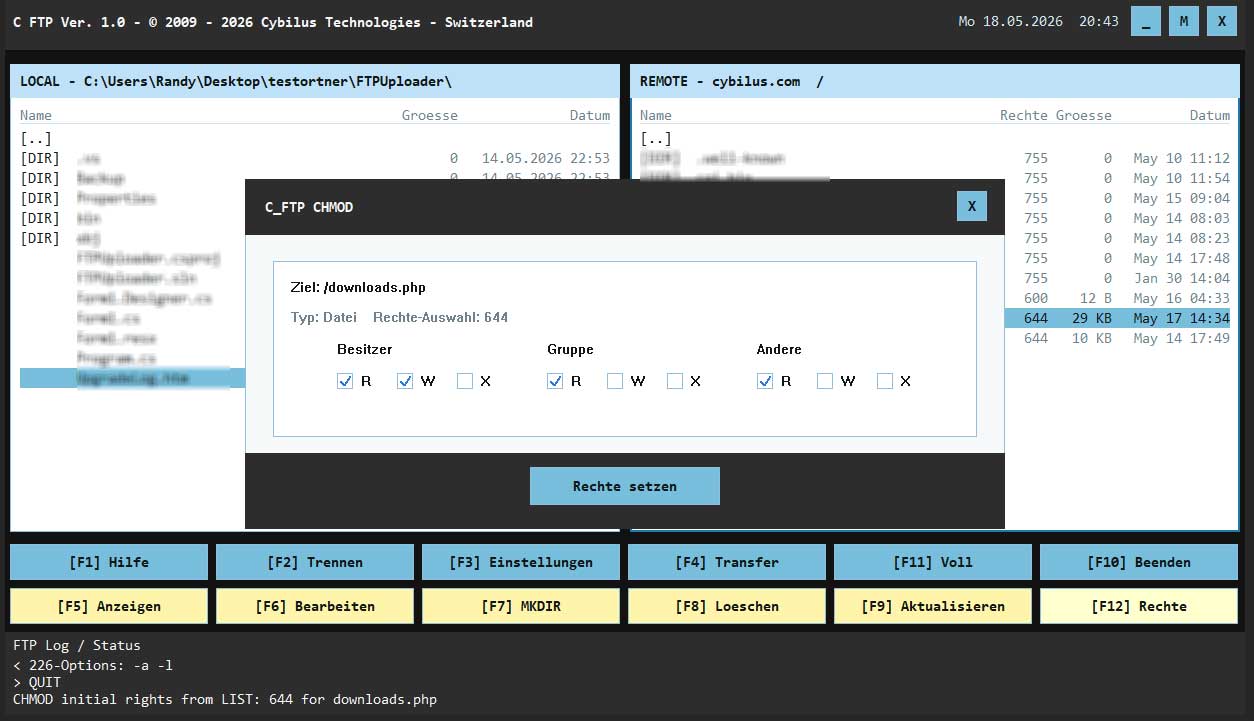
Read Unix permissions, display them in a dialog and edit them through clear checkbox selection.
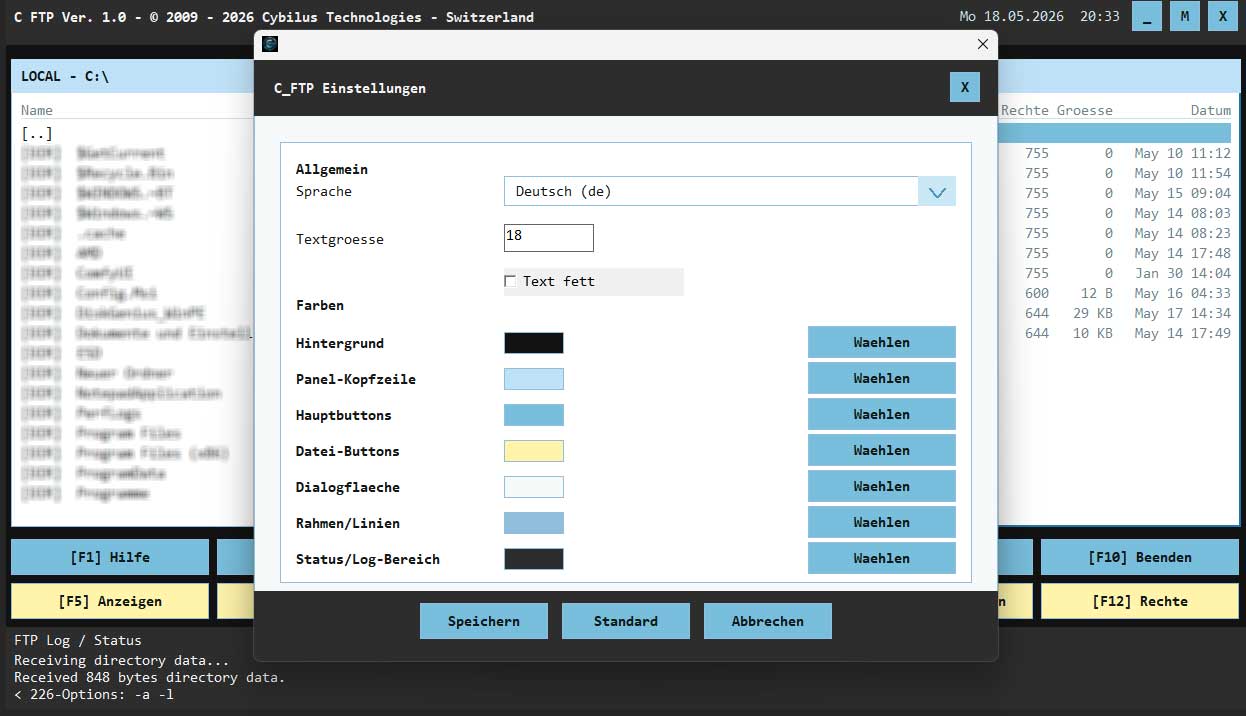
Language, font size, bold display and interface colors can be adjusted.